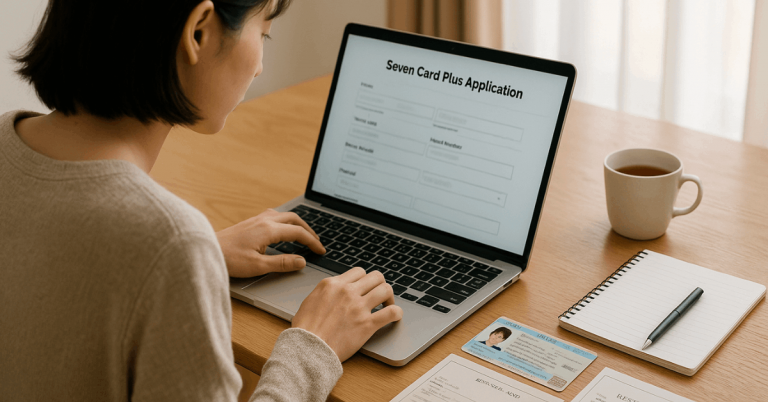
You can apply for the au PAY Prepaid Card online in just a few steps.
The card gives you a simple way to manage spending and make secure payments.



You only need to prepare basic information to start your application.
What the au PAY Prepaid Card Offers
You get several useful features when you use the au PAY Prepaid Card.
These features help you manage payments, control spending, and easily access digital tools. Here are the main offers.
- Easy Online and In-Store Payments – You can use the card for everyday purchases at Mastercard-supported stores and websites.
- Quick Reload Options – You can add funds through bank transfer, convenience stores, or the au PAY balance.
- au PAY App Integration – You can track spending, check balance, and manage the card through the au PAY app.
- No Credit Screening – You can apply without a credit check because it is a prepaid card.
- Security Features – You can freeze or unfreeze the card and manage transaction limits through the app.
Eligibility Requirements
Before applying for the au PAY Prepaid Card, applicants must satisfy a few eligibility conditions.
These requirements help confirm identity and ensure the card is issued to qualified users. Here are the main criteria.
- Active au ID Account – An au ID is required to access the online application system.
- Age Requirement – Applicants must be 18 years of age or older.
- Valid Identification Document – A government-issued ID is necessary for identity verification.
- Japan Residency – The card is issued only to individuals with a valid address in Japan.
- Accurate Personal Information – All details provided must match the information on official documents.
Documents and Information Needed
Prepare a few documents and details before starting the online application.
These items help with quick verification and keep the process smooth. Here are the essential requirements.
- Government-Issued ID – A valid driver’s license, My Number card, or passport for identity confirmation.
- Full Legal Name – Must match the identification document exactly.
- Current Japanese Address – Required for verification and correspondence.
- Active Mobile Number – Needed for SMS authentication and account setup.
- Date of Birth and Basic Personal Data – Used during identity checks.
- au ID Credentials – Required to access the online application platform.
How to Apply Online
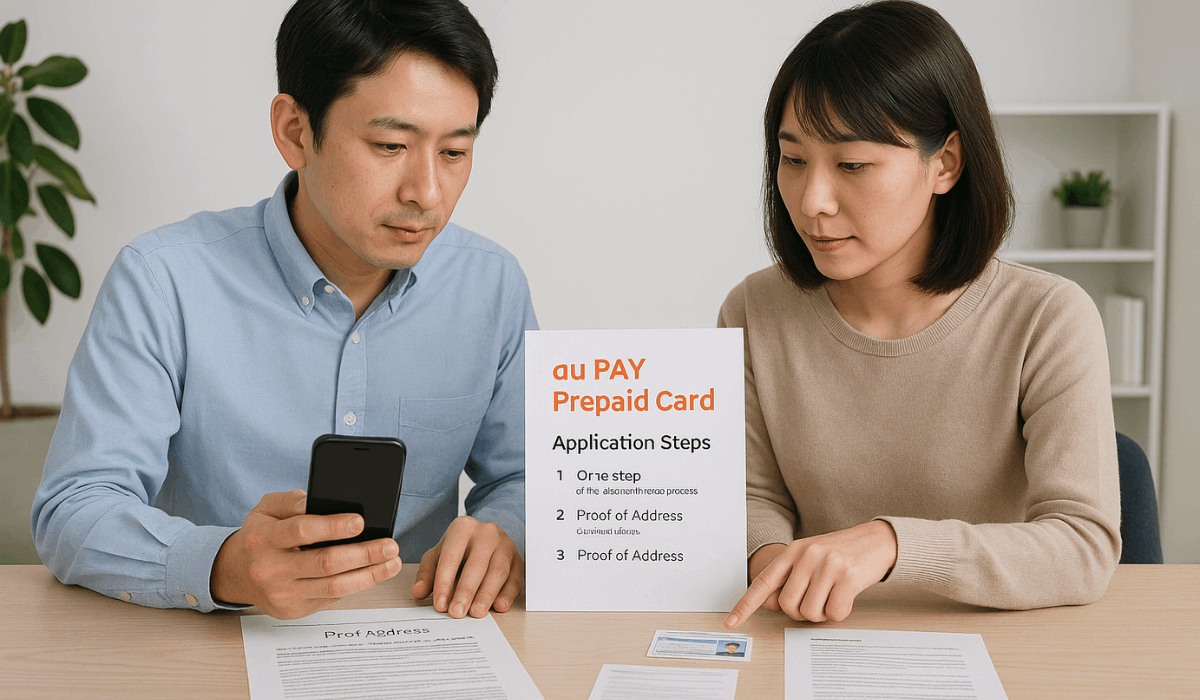
The online application process is simple and can be completed in a few minutes.
Each step focuses on verifying your details and correctly setting up your account. Follow the steps below.
- Sign in with an au ID – Access the application page and log in using an active au ID.
- Fill in personal information – Enter your name, address, birth date, and contact details.
- Submit identification – Upload or verify a valid ID for confirmation.
- Review and confirm the details – Check all information and correct anything inaccurate.
- Submit the application – Send the form for processing and wait for confirmation.
Activation and First-Time Setup
After your card arrives, you’ll need to complete a quick setup before using it.
These steps help activate the card and properly link it to your account. Follow the key actions below.
- Access your au ID account – Sign in through the app or website to start activation.
- Enter the card details – Input the card number, expiration date, and security code.
- Complete identity confirmation – Follow the on-screen prompts to verify ownership.
- Link the card to the au PAY app – Add the card to the app to enable balance checks and controls.
- Set up security options – Turn on card lock, alerts, and other protections to enhance security.
How to Add Funds to the Card
Funds must be added before the card can be used for payments.
Several reload methods are available, giving flexible options for managing your balance. Here are the main ways to load money.
- Bank Transfer Reload – Add funds directly from a registered bank account.
- Convenience Store Deposit – Top up at participating stores using supported payment terminals.
- Reload via au PAY Balance – Transfer money from your existing au PAY balance to the card.
- Credit or Debit Card Reload – Use a linked card to add funds instantly, if supported.
- Automatic Reload Settings – Enable auto-reload when the balance drops below a set amount.

Where You Can Use the Card
The card works in many places, giving you flexibility for everyday spending.
It supports both online and in-store payments as long as the merchant accepts the network. Here are the main usage options.
- Physical Stores in Japan – Usable at retailers, restaurants, and service shops that accept Mastercard.
- Online Shopping Sites – Works on e-commerce platforms that support Mastercard payments.
- International Merchants – Accepted overseas wherever Mastercard is recognized.
- au PAY Payments – Can be used together with the au PAY balance for eligible transactions.
- App and Digital Services – Compatible with subscriptions and digital purchases that allow prepaid Mastercard payments.
Fees, Limits, and Important Rules
The au PAY Prepaid Card has clear limits and rules you must follow when using it.
These details affect how much you can reload, spend, and manage through the app. Here are the specific points confirmed by au/KDDI.
- Annual Fee – No annual fee is charged for cardholders.
- Issuance Fee – No fee is charged for issuing the physical card.
- Reload Fees – Reloading through bank transfer or the au PAY balance is free; convenience-store top-ups may include a handling fee depending on the store’s terminal.
- Spending Limits – The card cannot exceed its stored balance; spending is limited to the amount loaded onto it.
- Reload Limits – Maximum reloadable balance and daily/monthly top-up limits follow au PAY system rules, which may vary based on verification status (KYC).
- Foreign Transaction Rules – International purchases include Mastercard currency conversion fees.
- Dormant Account Rules – Long periods of inactivity may trigger account restrictions until identity is reconfirmed.
- Security Rules – Identity verification (KYC) is required for certain features, and the card lock must be used when unauthorized activity is suspected.
Customer Support Information
Support is easy to reach when you need help with the card.
Verified channels are available through phone, chat, and the official website. Here are the main options.
- Chat Support – Available through the official au PAY support page. AI chat is open 24/7, while human chat support operates from 9:00 to 20:00.
- Phone Support (Japan) – Call 0120-977-964 for general inquiries, card issues, reactivation, and reissuance.
- Lost or Stolen Card Assistance – The same number (0120-977-964) handles urgent blocking or replacement requests.
- Official FAQ & Help Center – Visit the au PAY support site to view verified guides on payments, reloading, and troubleshooting.
- Information Needed for Support – Have your au ID, registered details, and the card’s management number (管理番号) ready.
Final Takeaway
au PAY Prepaid Card gives you a simple way to manage payments, reload funds, and handle daily spending with confidence.
The online application is quick, and setup takes only a few steps.
Start your application today to access all the features and get your card ready for use.
Disclaimer
Information in this guide may change based on updates from au or KDDI.
Always check the official website for the latest requirements, fees, and terms before applying.