Apple Gift Cards give you a simple way to gift apps, music, devices, and services.
You can use them for any occasion because they work across the entire Apple ecosystem.



They also offer flexibility since the balance never expires.
What Apple Gift Cards Can Be Used For
You need to know where an Apple Gift Card can be used so you understand its full value.
The card works across Apple’s digital and physical services. The list shows you exactly how to use it.
- Buying Apple devices like the iPhone, iPad, Mac, and accessories
- Paying for apps, games, and in-app purchases on the App Store
- Purchasing music, movies, TV shows, and books
- Paying for Apple services such as iCloud+, Apple Music, Apple TV+, Arcade, and Fitness+
- Adding balance to your Apple ID for future purchases
- Buying content or subscriptions through iTunes
Types of Apple Gift Cards
You should know the different types of Apple Gift Cards so you can choose the one that fits your purpose.
Each type works the same way but offers a different delivery method. The list gives you the main options available.
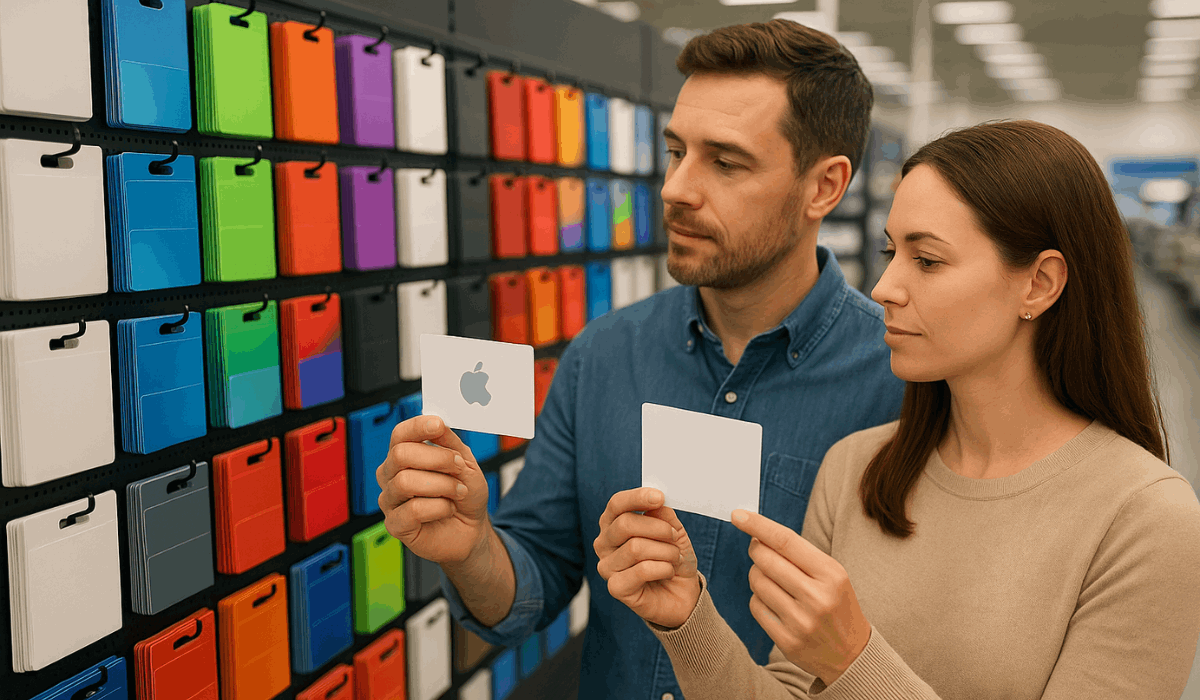
- Physical Apple Gift Card – A printed card you buy in stores and give in person.
- Digital Apple Gift Card – Sent by email and redeemed online using the code.
- Customizable Digital Card – Choose a design and message before sending it electronically.
Where to Buy Apple Gift Cards
Knowing where Apple Gift Cards are sold helps make the buying process easier. Several reliable options exist both online and in physical stores.
The list highlights the main places to purchase them.
- Apple Store (Online and In-Store) – Direct purchase online and in-store with all formats available.
- Authorized Retailers – Walmart, Target, Best Buy, Costco, and similar major chains.
- Mobile Carrier Shops – Offered during select device or accessory promotions.
- Online Marketplaces – Trusted platforms like Amazon and PayPal for Digital Gifts.
- Apple’s Official Website – Provides digital cards with customization options.
How to Redeem an Apple Gift Card
Redeeming an Apple Gift Card is simple once the proper steps are followed. The process works across Apple devices and takes only a few minutes.
The list shows the exact steps to complete redemption.
- On iPhone or iPad: Open the App Store, tap your profile icon, select Redeem Gift Card or Code, and enter the code manually or scan it.
- On Mac: Open the App Store, click your name or sign in, choose Redeem Gift Card, and input the code.
- On Windows (iTunes): Open iTunes, go to Account, select Redeem, and sign in to enter your code.
- Through the Apple Website: Visit your account page and add the code to your Apple ID balance.
- Automatic Balance Update: Once redeemed, the amount is added to your Apple ID and used for future purchases.

Why Apple Gift Cards Make Great Gifts
Apple Gift Cards are popular because they work for many types of recipients and occasions.
They offer flexibility and long-term value. The list shows the main reasons they make strong gift choices.
- Versatile Usage: Works for devices, apps, subscriptions, and digital content.
- No Expiration: The balance stays valid forever, giving full flexibility.
- Suitable for Any Occasion: Ideal for birthdays, holidays, graduations, or simple appreciation gifts.
- Fits All Ages: Useful for students, professionals, and families who use Apple products.
- Instant Gifting Options: Available in both physical and digital formats for fast delivery.
Tips for Choosing the Right Amount
Choosing the right amount depends on what the recipient plans to buy. Matching the value to their needs makes the gift more practical.
The list gives simple guidelines to help you decide.
- For Apps and Games: A lower value like $10–$25 is often enough for small purchases.
- For Subscriptions: Consider $25–$50 to cover services like Apple Music or iCloud+ for several months.
- For Accessories: $50–$100 works well for AirPods cases, chargers, or small Apple Store items.
- For Larger Purchases: $100 or more is helpful when contributing toward devices like AirPods, Apple Watch, or iPad.
- For Flexible Gifting: Choose mid-range values ($25–$50) if the recipient’s needs are unknown.
Security and Fraud Prevention
Security is essential when buying or redeeming an Apple Gift Card. Simple checks can prevent fraud and protect your balance.
The list shows the key steps to stay safe.
- Buy Only From Trusted Sellers: Use Apple-authorized retailers or verified online platforms.
- Check the Packaging: Make sure the card is sealed, and the code is not exposed or scratched.
- Avoid Unknown Third-Party Sellers: Do not buy cards from random websites or social media offers.
- Watch for Payment Scams: Apple never asks for gift cards as payment for support, fees, or penalties.
- Redeem the Card Immediately After Purchase: This reduces the risk of someone using the code before you.
Gifting Ideas and Personalization Options
A few simple ideas can make an Apple Gift Card feel more personal and meaningful. Customizing the card helps match the gift to the occasion.
The list shows easy ways to add a personal touch.
- Choose a Custom Digital Design: Select themed designs for birthdays, holidays, or special events.
- Add a Personal Message: Include a short note when sending a digital card to make the gift more thoughtful.
- Pair with a Small Accessory: Combine the card with an Apple case, cable, or sticker set for a complete gift.
- Use Decorative Packaging: Place the physical card in a gift box, envelope, or card holder for a more polished presentation.
- Send as a Scheduled Email Gift: Choose a delivery date so the digital card arrives exactly when needed.
Common Issues and Quick Fixes
Some problems can appear when redeeming or using an Apple Gift Card. Most issues have simple solutions that work quickly.
The list gives the most common problems and how to fix them.
- Code Not Working: Check if the characters are entered correctly and try again. If scratched, contact Apple Support with proof of purchase.
- Balance Not Showing: Sign out and sign back in to your Apple ID or refresh the App Store page.
- Already Redeemed Message: Confirm if the balance was added to another Apple ID you use. If not, contact Apple Support.
- Physical Card Damage: If the code is unreadable, provide Apple with the receipt and photos of the card.
- Region Mismatch: Make sure the gift card matches the country of your Apple ID, as cards are region-locked.
Contact Information
Official Apple support channels help resolve gift card issues quickly.
Verified contact options ensure you reach the correct department. The list shows the main ways to contact Apple.
- Apple Support (U.S.): 1-800-275-2273
- Apple Store Customer Service (U.S.): 1-800-692-7753
- Apple Support Website: Visit Apple’s official support page through the main Apple site.
- Apple ID Support Page: Accessible through the Apple ID help section on the official site.
- Contact Apple Worldwide: Available through the global contact directory on Apple’s support platform.
To Wrap Up
Apple Gift Cards offer a flexible way to give apps, subscriptions, and devices for any occasion.
They provide long-term value because the balance never expires and works across the entire Apple ecosystem.
Get one today for a practical gift anyone can use.
Disclaimer
Information about Apple Gift Cards may change based on Apple’s policies or regional availability.
Always check the official Apple website or contact Apple Support for the most accurate, up-to-date details.