If you are new to app-based banking, you want something simple to use. The Bank Zero Credit Card gives you a card you manage from your phone. You only spend money already in your account, so there is no revolving credit interest.
Most card fees are zero, and costs stay predictable. Strong security and clear controls make this card a practical choice for beginners.



Top Reasons To Choose The Bank Zero Credit Card
New users usually want to know first if a card will really save them money. The main appeal of the Bank Zero Credit Card is that it is built around a zero-fee model for most everyday transactions.
You get a fully digital banking experience where your phone is the control center for the account and the card.
There is no branch queue, and you avoid the usual monthly charges that traditional banks often add quietly. If you want low overhead and simple rules, this structure fits that requirement well.
Zero Monthly And Annual Fees On The Account
One of the biggest reasons to consider this card is the absence of monthly and annual account fees. Bank Zero states that all monthly and annual fees on all accounts are set to zero, regardless of income level or business size.
You do not pay to simply keep the account open, which immediately removes a common ongoing banking cost.
For beginners who want predictable expenses, this is a major benefit that simplifies budgeting. It also makes the card attractive if you plan to keep it as a long-term everyday spending tool.
Zero Fees On Core Card Transactions
The Bank Zero model also focuses on zero fees for standard card transactions in most everyday situations. Paying by card in store, online, or via phone tap is charged at zero by default, according to the recent pricing guide.
Electronic funds transfers and debit orders are also free, which supports a low-friction digital banking routine.
For a new user, this means you can swipe, tap, or shop online without worrying about hidden usage charges building up. As long as you avoid specific chargeable actions, your normal card use should stay at a very low cost.
Strong Security With A Patented Card Design
Another key reason to pick this card is the advanced security structure that Bank Zero promotes.
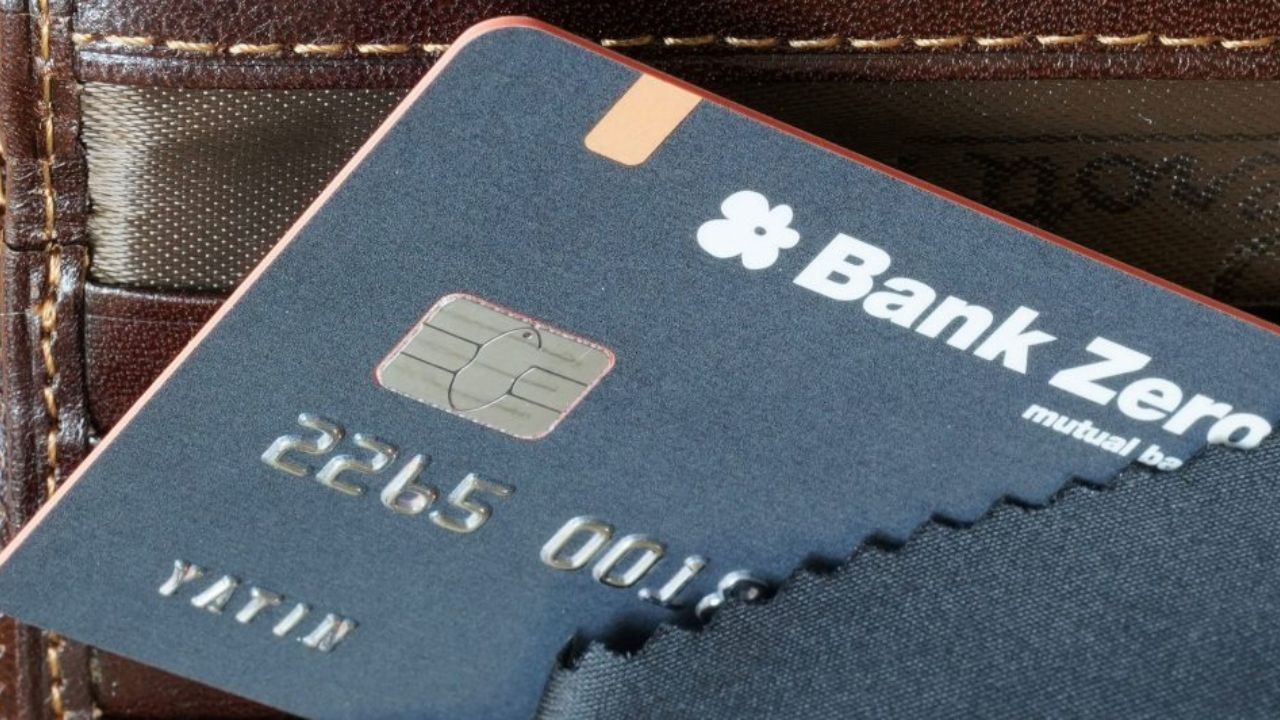
The card uses a patented design with different card numbers encoded on the chip, the magnetic stripe, and the embossed front, and each number is restricted to specific transaction types. This makes card skimming less useful to criminals, because stolen data will often not work outside its allowed channel.
Combined with in-app card controls and real-time notifications, this gives you far more visibility and control than an older-style card. For new users nervous about fraud, this security package is a strong selling point.
Fully App-Driven Control And Multiple User Options
The Bank Zero Credit Card is managed entirely through the app, which replaces the role of a physical branch.
You can change card limits, lock or unlock the card, and adjust ATM or online usage directly from your phone. Business users can also assign different permissions to multiple people if they add team members to an account.
For individuals, that means you can react quickly to any suspicious activity or spending mistake without calling a call center. If you are comfortable with smartphones, this level of control makes day-to-day use straightforward and efficient.
Interest, Annual Fees, And Other Key Charges
Most people expect a credit card to have interest rates, annual fees, and a complex charge table.
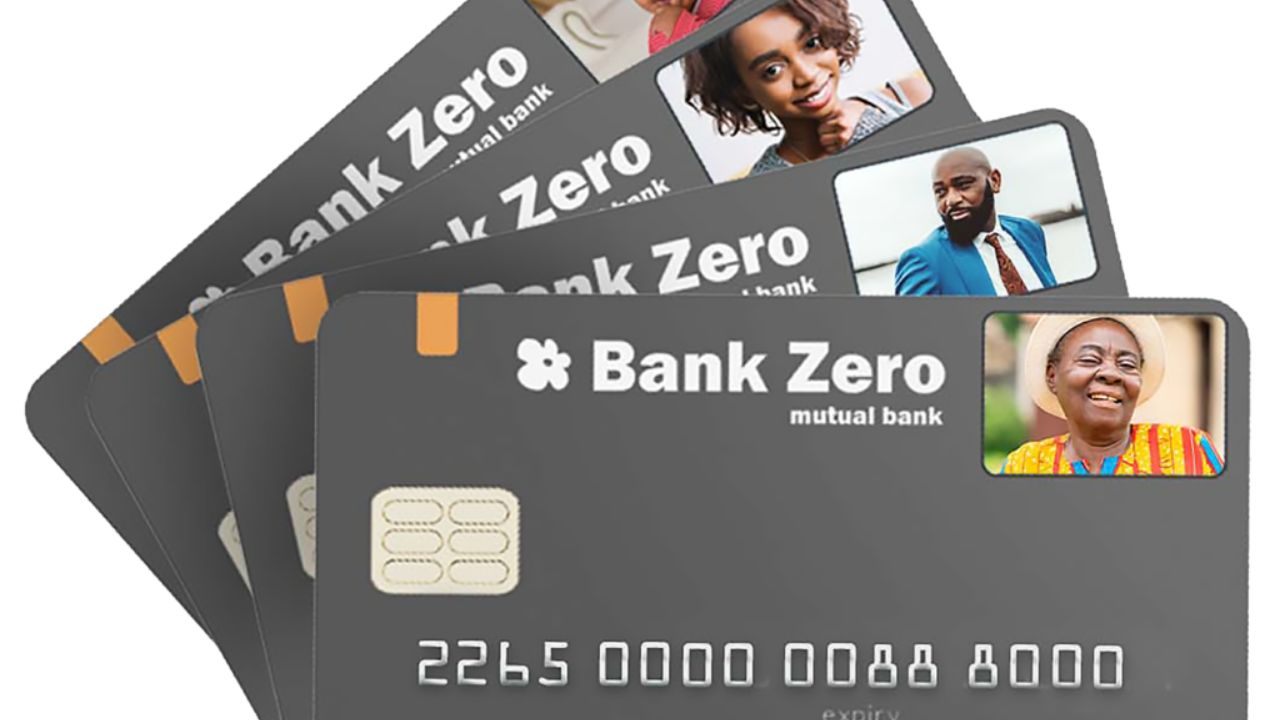
With Bank Zero, the situation is different because the bank does not provide credit, and the card runs on available balance only, which means no revolving credit interest on purchases.
Instead, your cost structure is driven by account fees, transaction fees, and specific service charges defined in the pricing guide.
Monthly and annual account fees are zero, which removes a major fixed cost from your budget. However, there are still some charges you must understand before relying on the card for everything.
How Interest Works When There Is No Credit Facility
Since Bank Zero does not offer lending products, there is no standard card purchase interest rate as you see on normal credit cards. You spend your own funds, so there is no monthly interest charged on outstanding card balances because those balances cannot go negative in the same way as a credit line.
Instead, your focus should be on any overdraft-type situation or unpaid fees that might arise if you attempt transactions with insufficient funds.
Positive balances in your account may earn interest at competitive rates, but those percentages change over time and must be checked on the official rates page.
Zero Monthly And Annual Fees, But Watch For Nuisance Fees
The strongest part of the cost structure is that all monthly and annual account fees are zero, regardless of whether you hold a personal or business account.
This makes the card useful as a main account or a secondary option without extra maintenance costs. However, Bank Zero uses small nuisance fees to encourage good behavior, such as making sure transactions have enough funds or that you configure limits correctly.
For example, there is a small fee if a card transaction is declined due to insufficient funds or if you use an improperly activated card. Understanding these minor charges helps you avoid them and keep your total cost close to zero.
Other Transaction And Service Charges To Know
While core digital transactions are free, some actions do carry fees, and you should know them in advance. Cash-related services, such as sending money for cash out at partner retailers or withdrawing cash via certain methods, have specific per-transaction charges listed in the pricing guide.
International card use may include a small foreign exchange markup on transactions posted in foreign currency, even when base card fees are otherwise zero.
There are also charges for services like resetting the app login PIN or requesting older account statements. If you rarely use these services, your total yearly cost can remain very low compared to traditional banks.
Step-by-Step Guide To Applying For The Bank Zero Card
As a beginner, you want a clear process that shows exactly what to do from start to finish.
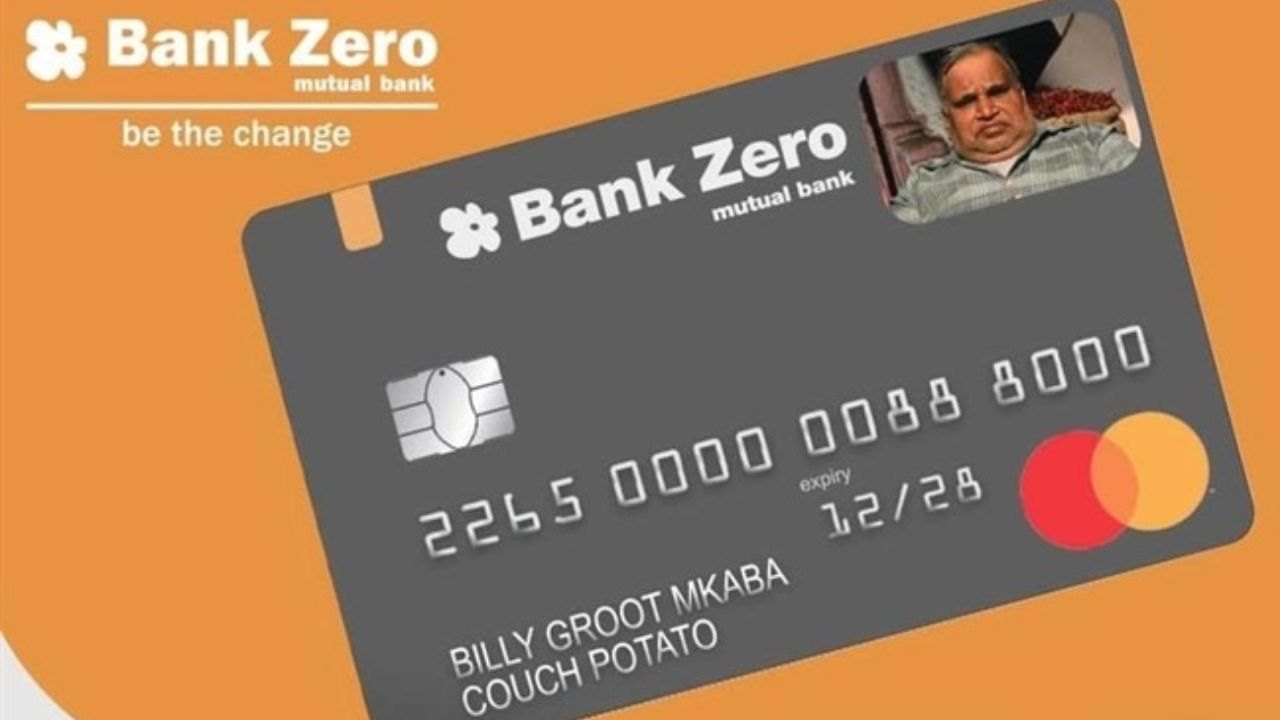
The Bank Zero application flow is designed to be completed fully in the app, with no branch visit required. You download the app, register, complete the digital verification steps, and then request your card from within the same interface.
Once the account is active, you can start using the virtual card details and later order a physical card if needed. This makes the overall experience fast, simple, and suitable for someone opening their first app-based banking account.
Download The App And Check Eligibility
Your first move is to download the official Bank Zero app from the Google Play Store or Apple App Store. Make sure your phone meets the minimum operating system requirements and that you have a stable mobile data or Wi Fi connection.
You should be a South African resident who can provide valid identification and proof of address, since Bank Zero must comply with local regulations.
Before starting, confirm that you are comfortable with a fully digital, app-only bank with no physical branches. If you are, the app becomes your main tool for the whole process.
Register, Verify Your Identity, And Open The Account
After installing the app, you will register by providing your personal details such as name, ID number, and contact information.
The app guides you through digital FICA verification, usually involving taking photos of your ID and possibly a selfie for biometric checks. You will also choose security credentials like a login PIN and enable biometric sign-in if your device supports it.
Once verification is complete, your Bank Zero account is opened, and you get access to the app dashboard. At this point, you are ready to request and manage your card from within the same environment.
Request, Activate, And Configure Your Card
Inside the app, you can request your Bank Zero card and follow the prompts for delivery or collection, depending on the options currently offered.
When the physical card arrives, you activate it using the app, which confirms that it is linked to your existing profile and account. You can then configure card settings, such as daily limits, ATM usage, online payments, and tap to pay, directly from the interface.
Real-time notifications help you track every transaction from the start, reinforcing good money habits. If you ever lose the card, you can lock or cancel it from your phone without calling a branch or hotline.
How To Contact Bank Zero Support
Bank Zero highlights that everything is designed so you rarely need to contact them, but support remains available when necessary.
The core contact email published for general information and support is info@bankzero.co.za, and this address is also shown in official channels such as the main website and app listings.
Response is typically handled through digital channels, so be ready to explain your issue clearly and attach screenshots where needed. Always use the contact details published in the app or on the official site to avoid scams.
Where The Main Office Headquarters Is Located
Even though Bank Zero has no branch network, it is still a regulated mutual bank with a physical head office. Public documents list the main physical address as 4 Georgian Crescent West, Bryanston, in Johannesburg, with a postal address in Craighall.
This confirms that the bank operates from South Africa and is subject to local banking oversight. The same documents also reference an office phone number for formal information requests, often related to access to information laws.
Conclusion
If you are new to digital banking and want a low-cost way to get started, the Bank Zero Credit Card is worth serious consideration. You get a card that behaves like a modern everyday payment tool, backed by strong security and detailed in-app controls.
There are no monthly or annual account fees, and most routine transactions are free, which keeps your total cost predictable and low.
Note: There are risks involved when applying for and using credit. Consult the bank’s terms and conditions page for more information.